


Since discovering Substack, I find myself rarely going on Instagram (and it feels pretty good!). I love spending less and less time on social media so when I heard about creating a “reading garden” on your phone, I was instantly into it.
A ‘reading garden’ is essentially a folder on your phone filled with pre-set media websites so you can read up on inspiring, creative or educational articles instead of doomscrolling on social media.
What I particularly love about it, is you can save really unique or popular media from other countries you wouldn’t otherwise think to check out to get inspired by cultures other than your own.
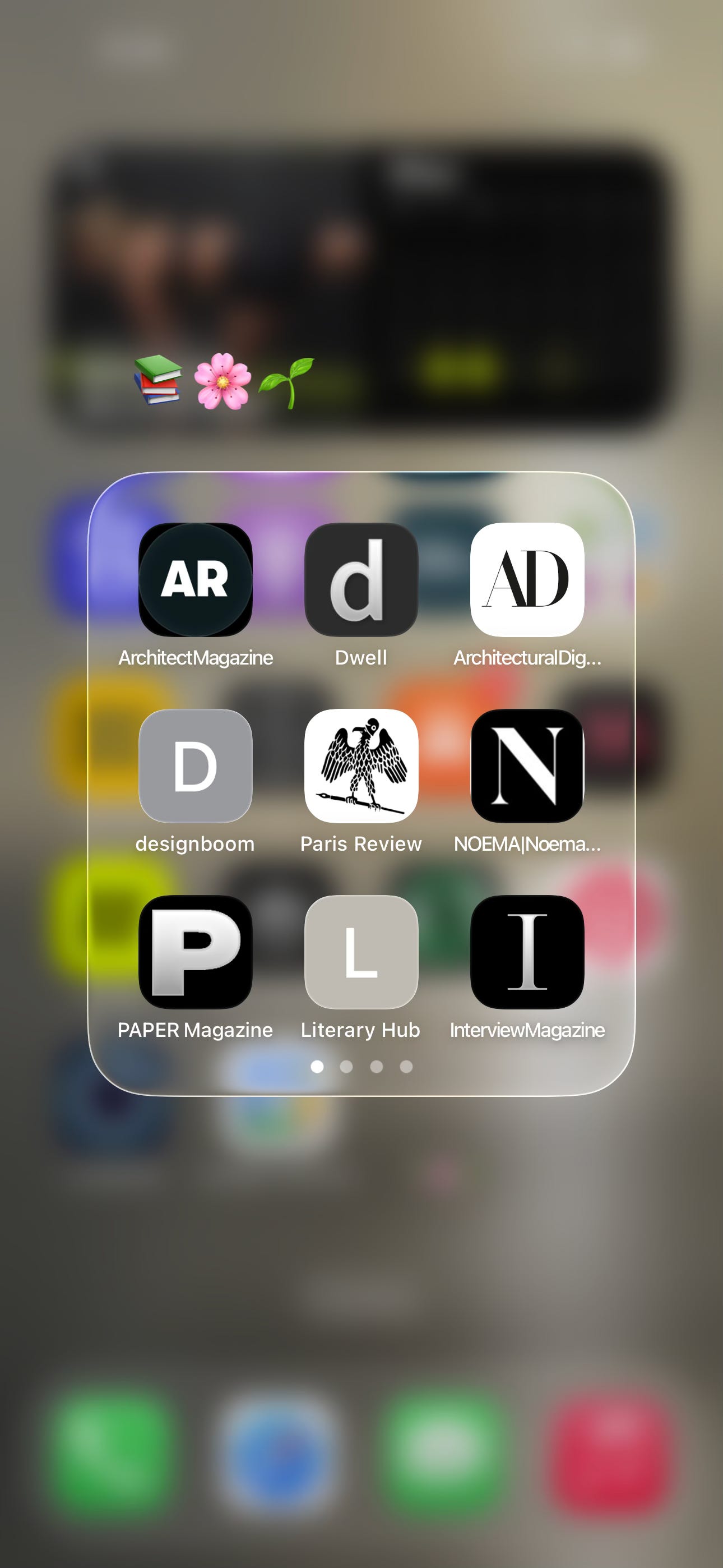
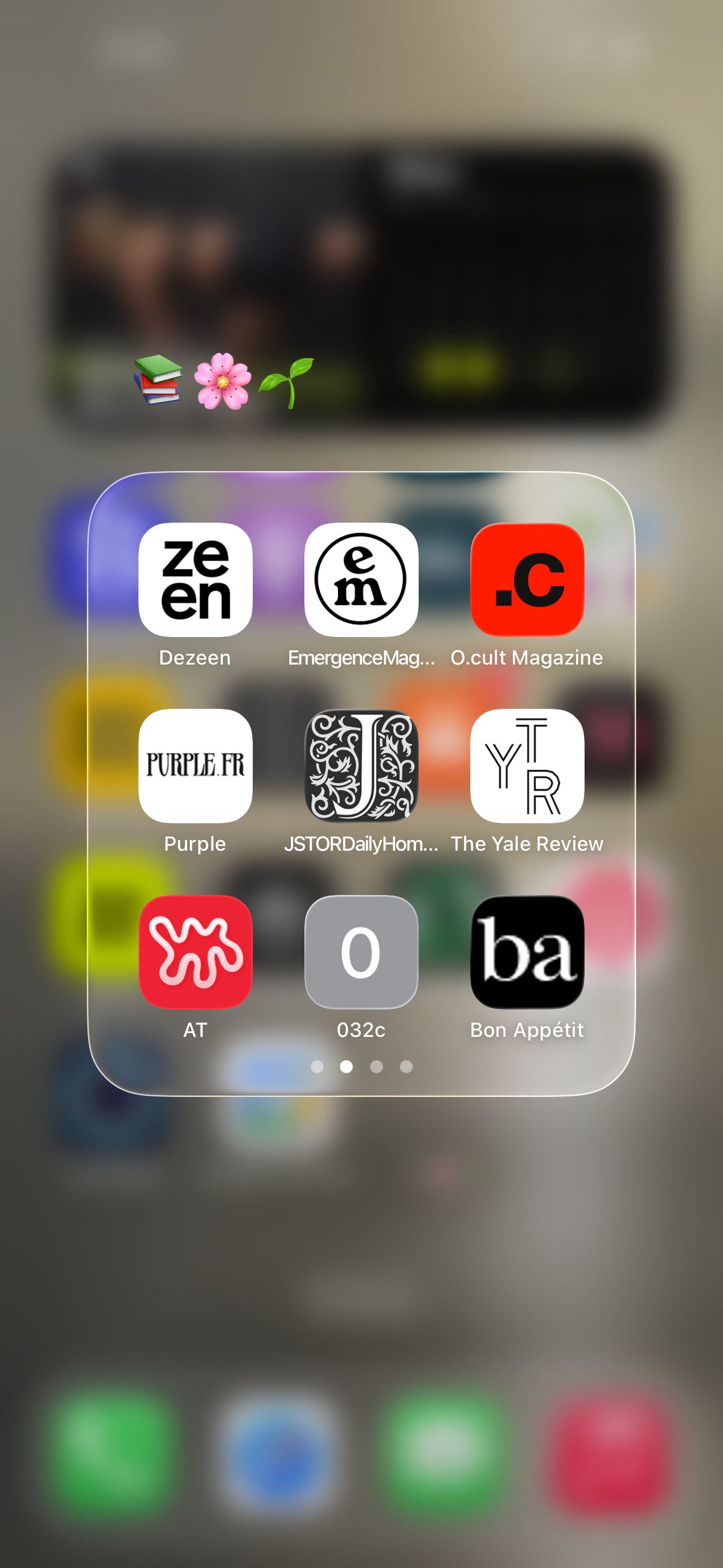
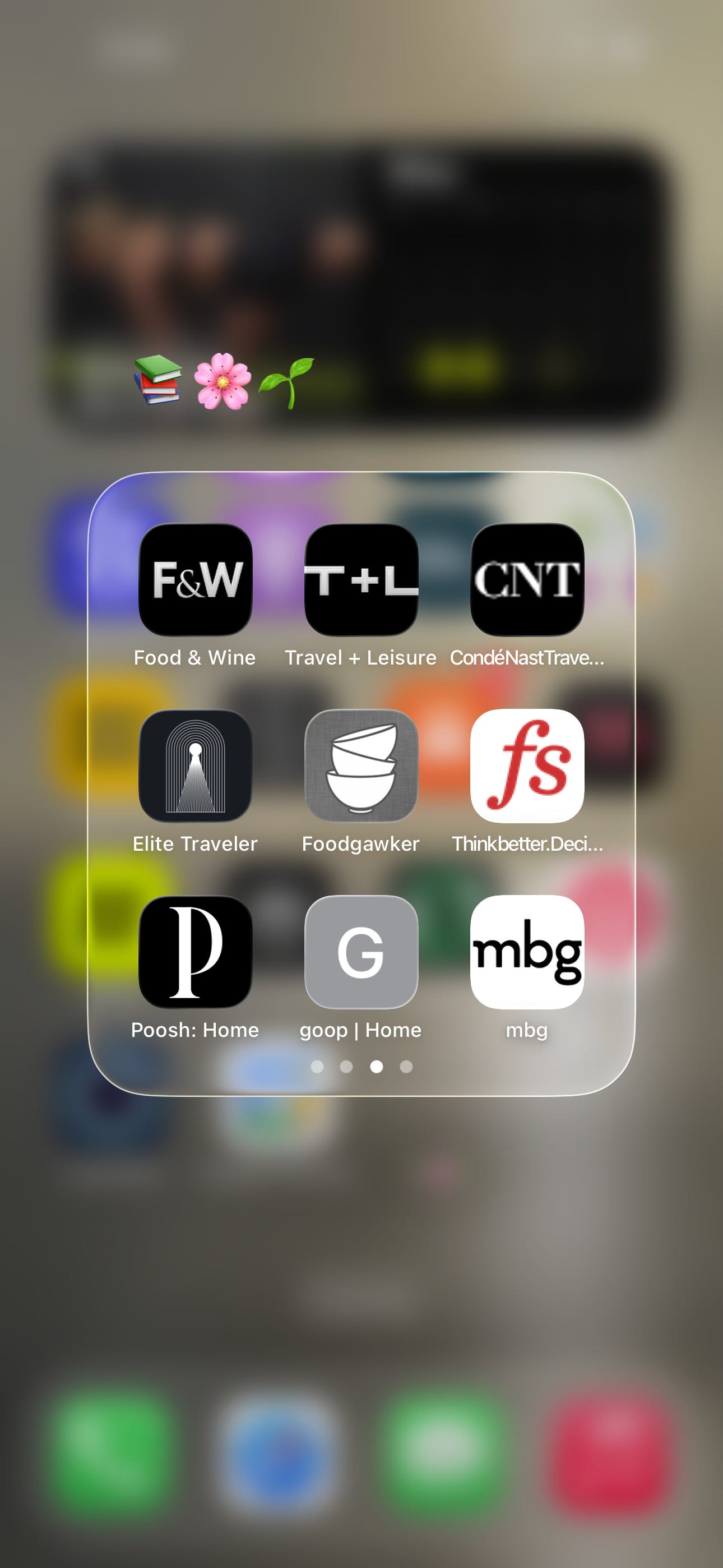
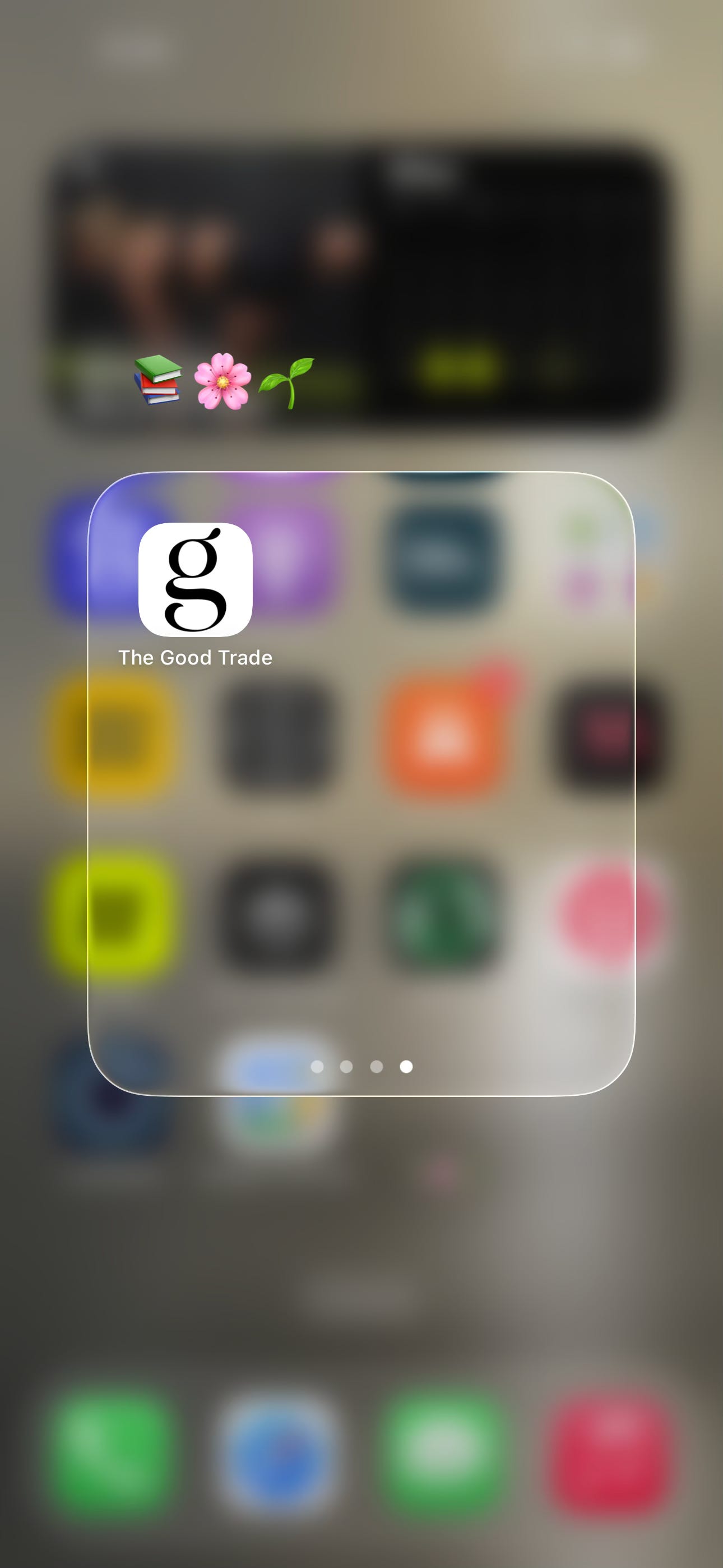
Here is what my reading garden currently looks like:
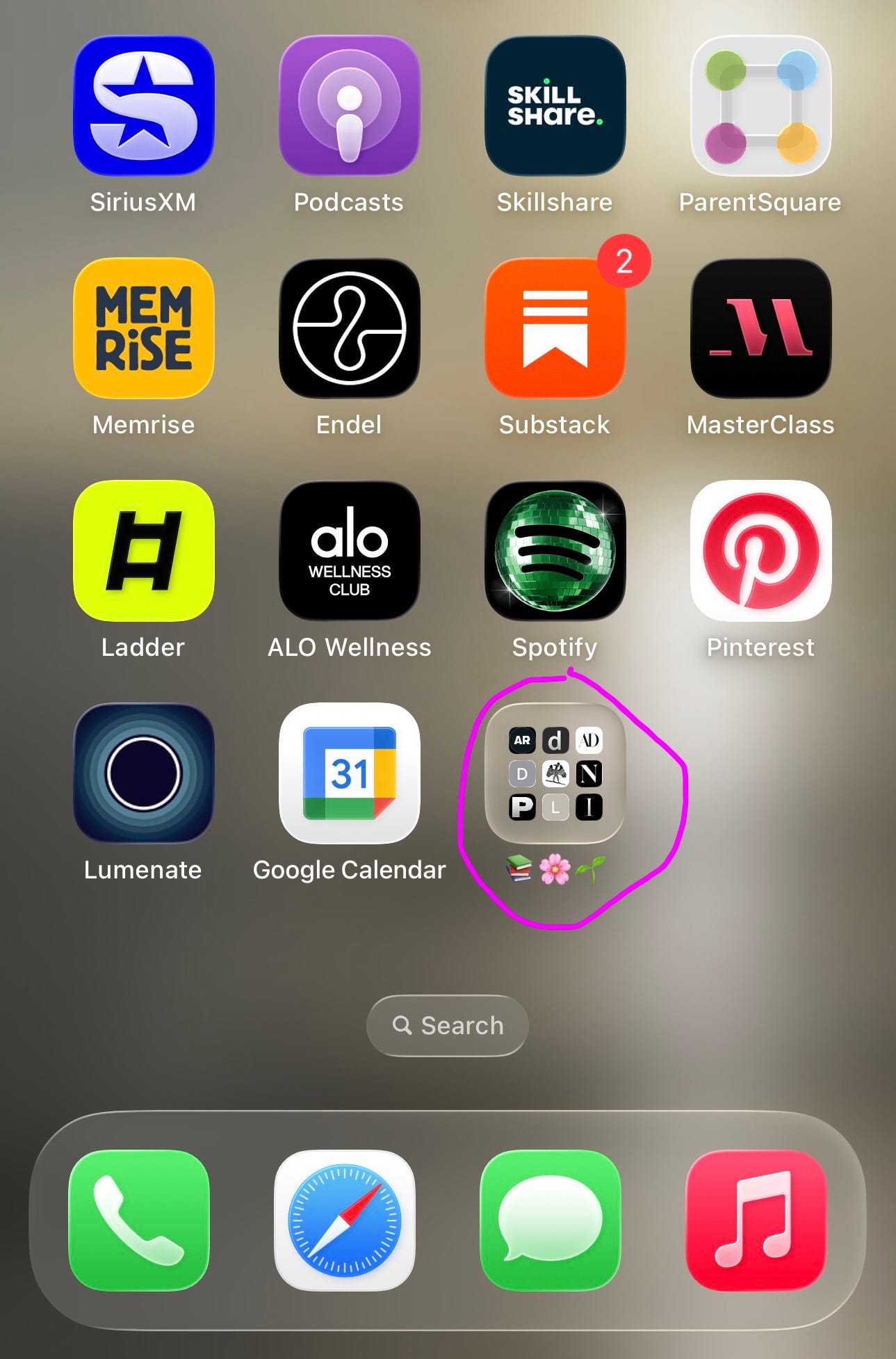
To create your own Reading Garden (I only know how to do this on an iPhone - sowwy!), you can start by selecting two media websites you want to live in your little garden.
Here’s some inspiration with links to what’s in mine:
ArchitectMagazine: architectmagazine.com
Dwell: dwell.com
ArchitecturalDigest: architecturaldigest.com
designboom: designboom.com
Paris Review: theparisreview.org
NOEMA | Noema Magazine: noemamag.com
PAPER Magazine: papermag.com
Literary Hub: lithub.com
InterviewMagazine: interviewmagazine.com
Dezeen: dezeen.com
EmergenceMag... (Emergence Magazine): emergencemagazine.org
O.cult Magazine (Ocula Magazine): ocula.com
Purple: purple.fr
JSTORDailyHom... (JSTOR Daily): daily.jstor.org
The Yale Review: yalereview.org
AT (Apartment Therapy): apartmenttherapy.com
032c: 032c.com
Bon Appétit: bonappetit.com
Food & Wine: foodandwine.com
Travel + Leisure: travelandleisure.com
CondéNastTrave... (Condé Nast Traveler): cntraveler.com
Elite Traveler: elitetraveler.com
Foodgawker: foodgawker.com
Thinkbetter.Deci... (Farnam Street / Brain Food): fs.blog
Poosh: Home: poosh.com
goop | Home: goop.com
mbg (mindbodygreen): mindbodygreen.com
The Good Trade: thegoodtrade.com
Once you select two, go to your first website you want to include. Hit ‘Share’, then ‘Add to Home Screen’, then save however you want it labeled.
Once you’ve made two website buttons, press your finger on one till it shakes and then slide it on top of the other linked button to create a new folder. Name however you’d like.
Keep adding buttons to your reading garden folder until you’ve built up a little library. Now when you feel the urge to scroll mindlessly, you have a-little-bit-better-for-you type reading material.
Enjoy 📚🌸
About the Author:
Hi :) I’m Lacy, the face behind LA LA LAND. I live in Orange County, CA. I’m a woo-woo loving creative, mom and believer in the power of self-identity work through spirituality. I changed my entire life a few years ago when I started taking identity work and manifestation seriously. I transformed myself physically, mentally and found myself through this work and creativity. I hope to inspire you to do the same. ♥

I really like the idea of a reading garden. Substack seems like the gateway to all of this: real education and passion and people. Thanks for sharing so many resources to add to our garden.